
How to Search for a Crosby County Warrant
There is no single public Crosby County warrant search to start with. Match the matter to its court: felony and district files go to the 72nd District Court and District Clerk; County Court criminal files go to the County Clerk; a fine-only county citation goes to JP Precinct 1 Place 1. City citations stay with Crosbyton, Ralls, or Lorenzo Municipal Court. Give the clerk a full name, date of birth, cause number, or citation number when asked.
The sheriff/jail at 806-675-7301 is a county-held law-enforcement fallback, not a verified 24-hour warrant desk. Ask which court issued the process and which office can confirm its current status. If a warrant is reported, get legal advice before appearing or making a bond plan.
- Read the citation or court paper to identify the city, precinct, or court level.
- Call that issuing court or clerk and ask for the warrant label and status.
- Contact the sheriff/jail for county-held process and booking or bond logistics.
- Use a written Texas Public Information Act request for existing law-enforcement records; ask courts directly for judicial records.
- Check OmniBase only for FTA/FTP reporting, then return to the issuing court for warrant confirmation.
Crosby County Search Limits
The county website and court directories reviewed did not expose an active-warrant list or a name-search form. The Texas judiciary directory is a contact directory, not a case database. Use it to find the right phone or address, then ask the court that holds the matter.
The official Texas judiciary directory identifies Crosby County Court, JP Precinct 1 Place 1, and the municipal courts. It does not report a person’s warrant status. One empty web result cannot answer the question.
The 72nd District Court page supplies a district contact, not a public warrant portal.
The Texas judiciary directory shows court contact routes reviewed for Crosby County.
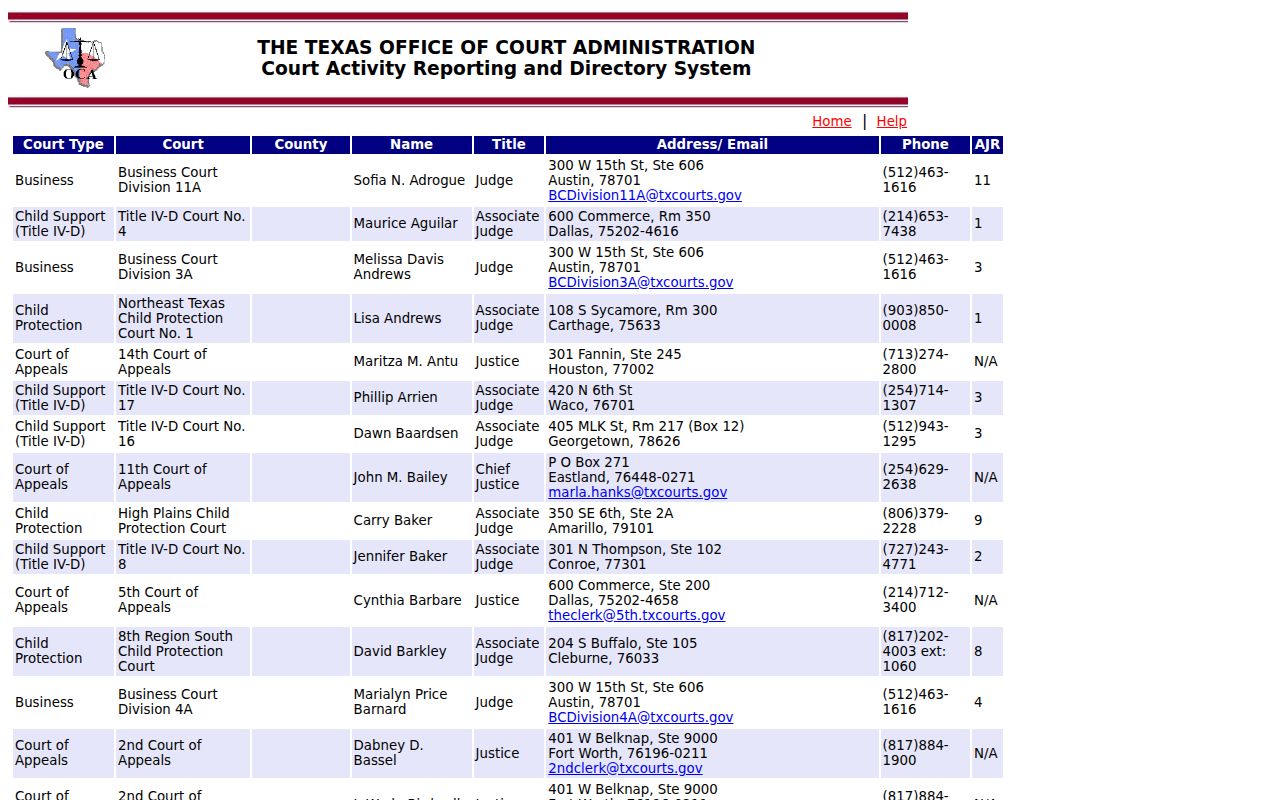
Directory rows identify offices but do not reveal an individual case or warrant.
The official 72nd District Court page provides the county’s district-court contact route.
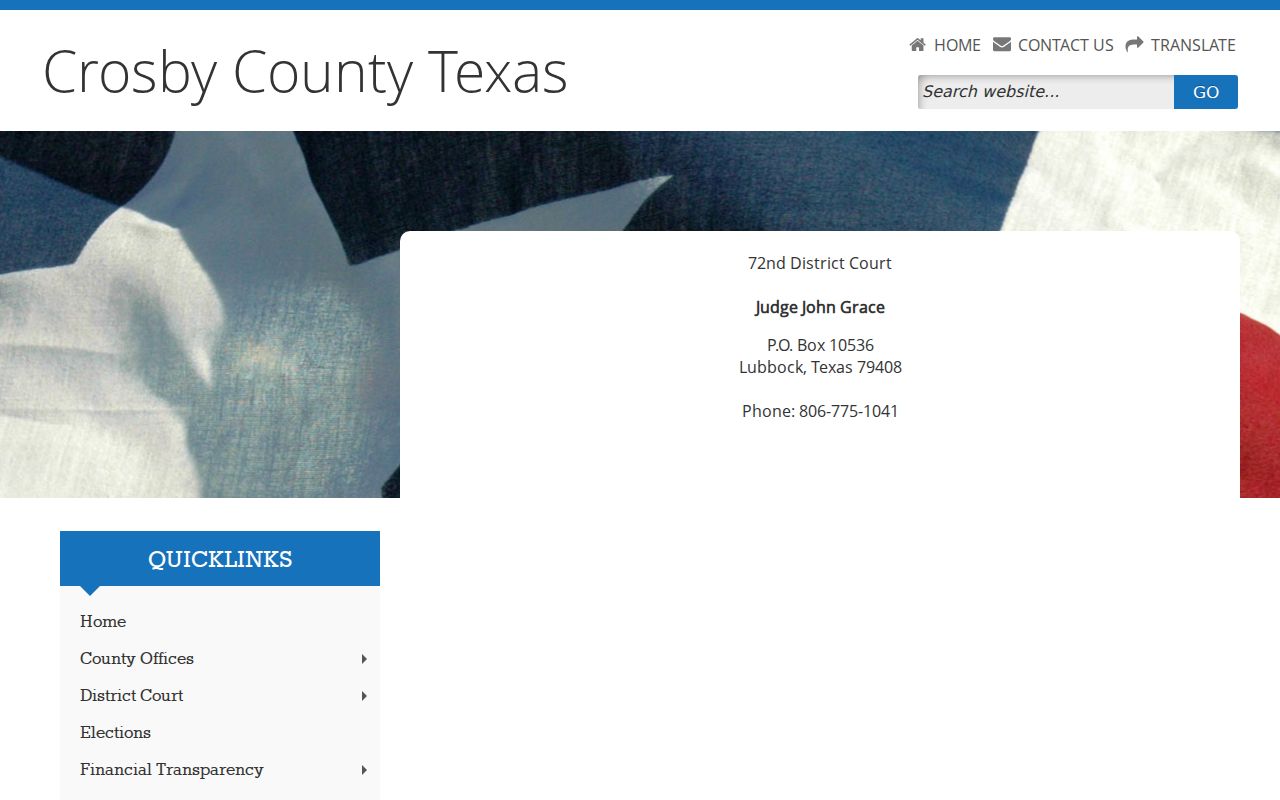
Use the listing to route a question to the court; it is not a warrant lookup.
Crosby County Warrant Search Fields
No public county warrant form was found, so the useful “fields” are the details to have ready for a clerk or phone call. These are routing prompts, not a claim that Crosby County accepts every item in an online box. The only documented local web form is Crosbyton’s city citation-payment interface.
| Field Label | Type | Required | Notes |
|---|---|---|---|
| Full legal name | Phone or request | Ask the office | Use the spelling on the citation or court paper. |
| Date of birth | Phone or request | Ask the office | May help staff distinguish people with similar names. |
| Cause / citation number | Phone or paper | If known | Names the court file or ticket. |
| City or court | Routing detail | Needed to choose office | Separate city, JP, County, and District Court records. |
| Payment fields | Crosbyton form only | Required by that form | Not a countywide warrant lookup; not for County citations. |
Crosbyton’s Form Checks Payments
The Crosbyton Municipal Court form asks for first and last name as printed on the citation, driver-license number and state, ticket or case number, payment amount, and a one-time passcode followed by CAPTCHA. The court says to call if the amount is unknown. The interface does not show a public warrant-only search, bond field, or recall date.
Its notice says the page is for the City of Crosbyton Municipal Court, not Crosby County citations. Use the city’s official route to reach the TrafficPayment interface. Keep the receipt, then ask the clerk whether the warrant status changed.
What a Crosby County Search Returns
No Crosby County public result page or field list was located, so an office call is more likely to produce a verbal status or route to a case file. Ask for the court, cause number, warrant type, issue date, amount, and whether the entry is active, served, recalled, or cleared. Confirm the date of any status update.
| Warrant number | Crosby format not published |
|---|---|
| Charge / case | Ask for the offense and linked cause or citation number. |
| Issuing court | District, County, JP, or a named city court. |
| Bond / fine | Case-specific; no county schedule was found. |
| Status | Request the exact local word and date it changed. |
Why One Crosby County Result May Miss
A city court, JP court, and district court do not share one public warrant index in the sources reviewed. A new process may not yet be reflected in a system, and a recalled or served entry may take time to update. Sealed or juvenile files can also be unavailable to an ordinary public search.
If one office finds nothing, ask what court and record system it checked. A County Clerk record does not stand in for a Crosbyton municipal case; a sheriff call does not replace the issuing court’s docket. The County Clerk and District Clerk cover different files.
Where Crosby County Warrants Are Checked
Use the District Clerk for 72nd District Court matters, the County Clerk for County Court criminal matters, JP Precinct 1 Place 1 for justice-court traffic and fine-only cases, and the relevant city clerk for municipal citations. The sheriff/jail public number is 806-675-7301. None of these offices is documented as one countywide name index.
Texas has no public statewide warrant-name search. OmniBase handles FTA/FTP reporting, while TCIC and NCIC are law-enforcement systems. A statewide result cannot replace a call to the Crosby County court that issued the process.
Crosby County PIA Requests Need a Target
For an existing sheriff record, name the Crosby County Sheriff’s Office as the office believed to hold it, describe the record, and include a narrow date range or cause number if known. The county did not publish a warrant-specific request portal. A Public Information Act request seeks records; it does not require an office to answer a broad question or create a new report.
For a docket entry or warrant order, contact the court or clerk because judicial records follow a separate access route. The Texas Attorney General’s request guidance allows written requests by mail, email, hand delivery, or another approved method. Keep a copy and proof of delivery.
The county’s County Clerk page identifies its contact and records links.
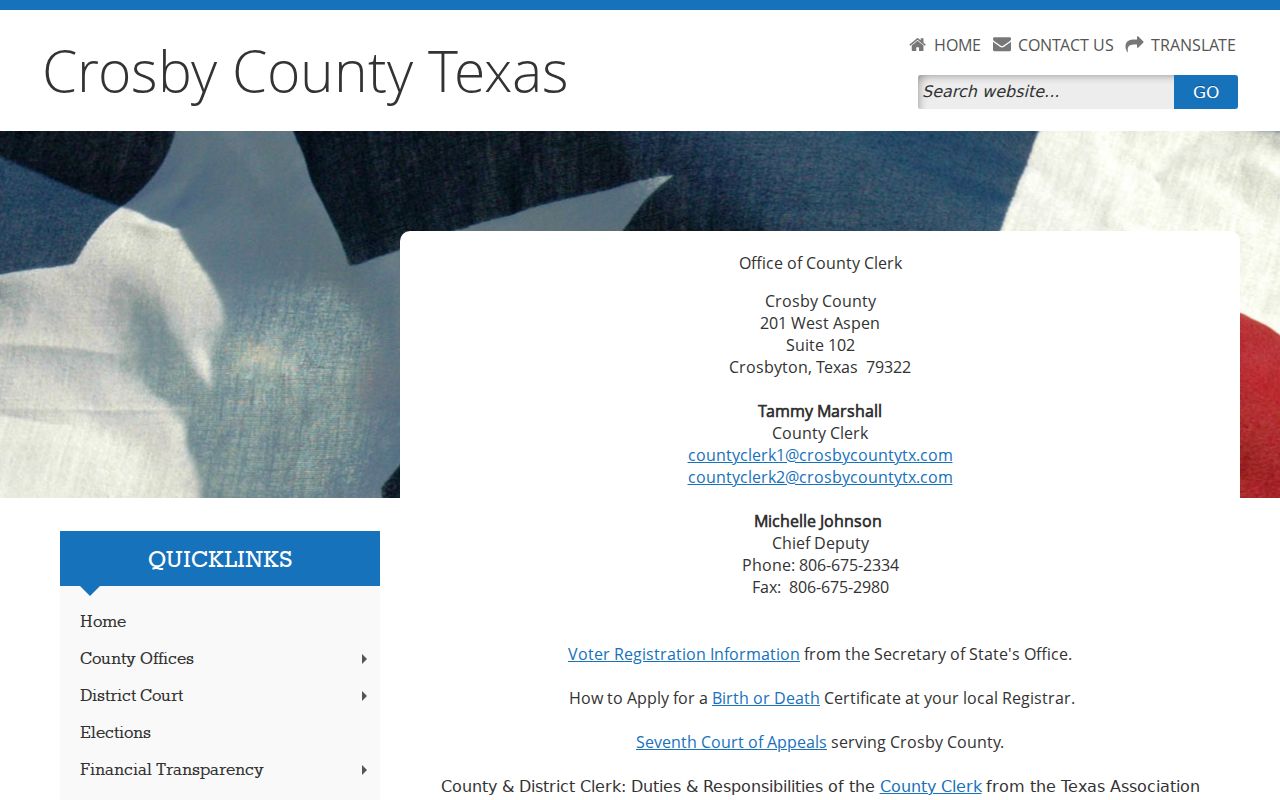
Ask that office whether it holds the existing record you seek.
Access and Restricted Warrants
Texas public access depends on the record type and point in the process. The Texas Public Information Act covers existing government information unless an exception or confidentiality law applies. Judicial records follow a separate route. Sealed, juvenile, and some active-investigation records may not be released, and a custodian may redact personal details.
Key Rules:
Texas Government Code Chapter 552 covers existing public information requests, subject to exceptions and redactions.
Family Code §58.010 protects juvenile arrest warrants and their supporting complaints and affidavits.
A missing public result does not establish that no warrant exists; contact the issuing court.
OmniBase Is Not a Warrant Search
OmniBase can show a reported failure to appear or pay and a possible driver-license eligibility hold. Texas DPS says license specialists do not have warrant information. That system may help identify an unresolved citation, but the issuing court must answer whether it issued a warrant and what will clear it.
After a court reports compliance, DPS says an update can take up to seven business days. The DPS FTA/FTP FAQ explains the limit. The Crosby County access overview explains the court and public-record split.